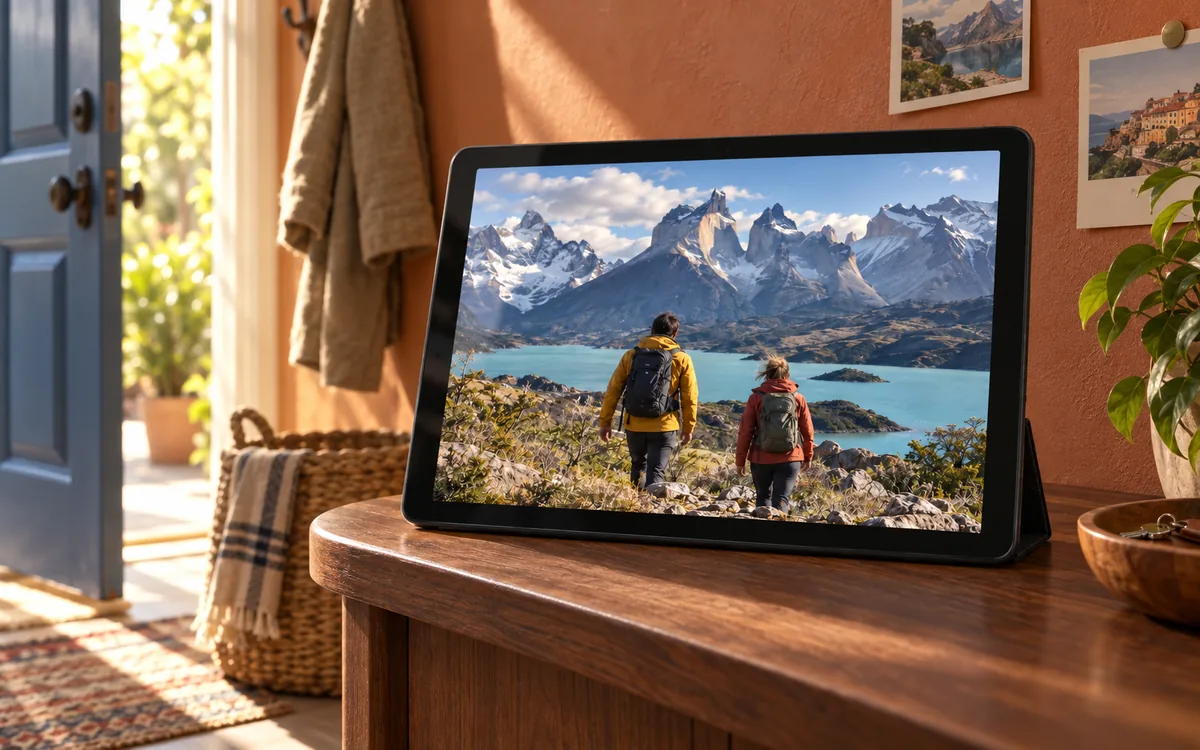

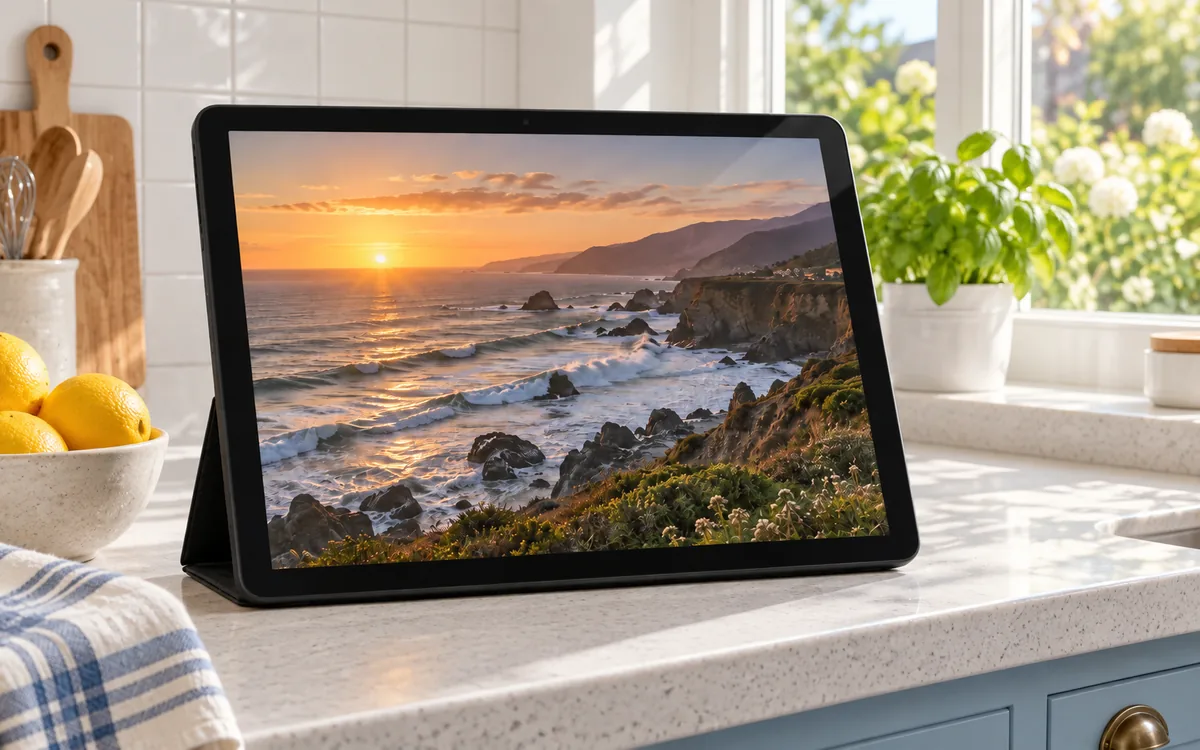
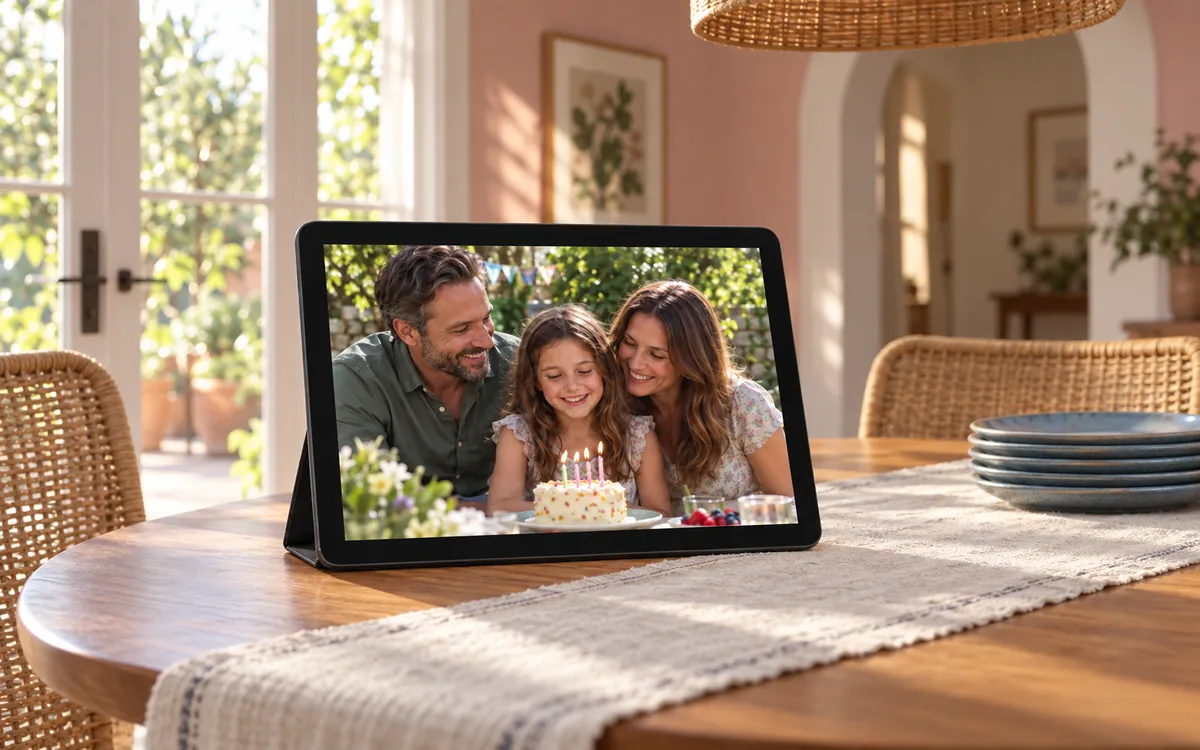
Albums for every screen
Create up to 10 albums with 100 photos each. Choose a different album for each frame, or enjoy the same album on several screens.
A new life for your spare tablet
Turn a tablet into a digital photo frame. Add family photos from your phone or computer, and let your favorite moments fill the room.
Runs in your browser. No app to install.
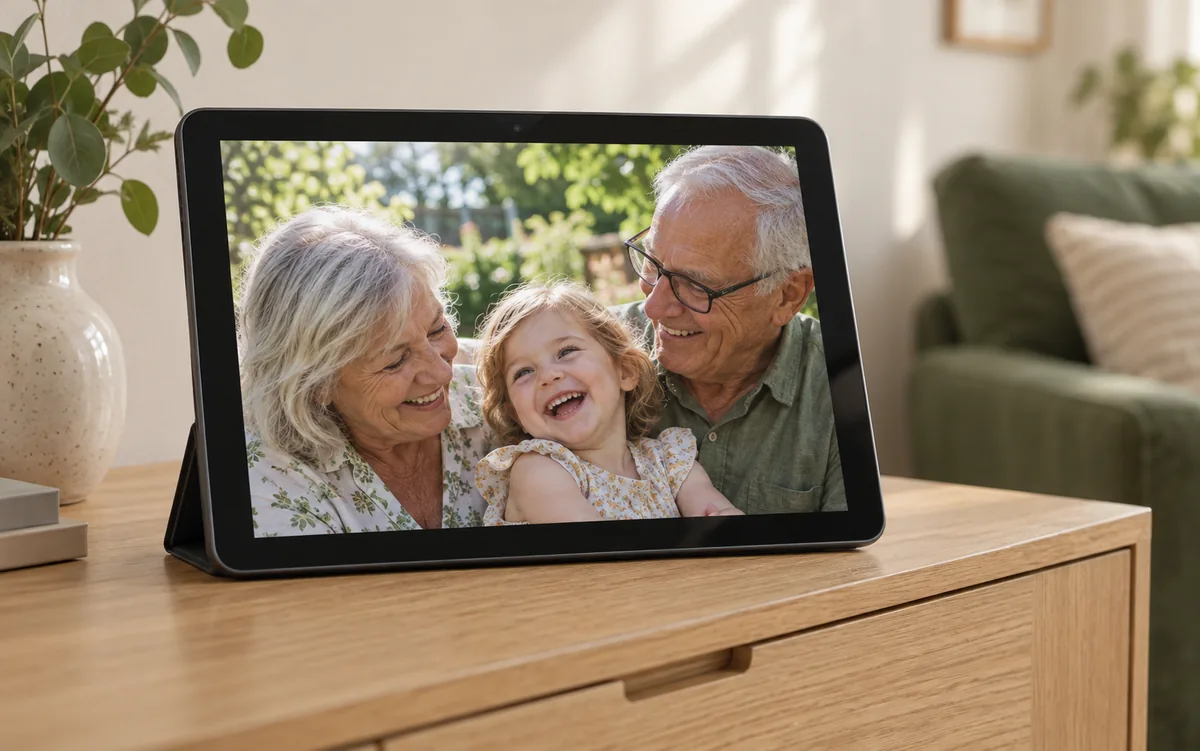
Made for everyday moments
Set up a frame at home, or help a family member get started. Once connected, you can manage the album from wherever you are.
Create up to 10 albums with 100 photos each. Choose a different album for each frame, or enjoy the same album on several screens.
Add or remove photos from your phone or computer. Connected frames pick up album changes while the slideshow is running.
Choose how long each photo stays on screen. Set a quiet schedule to hide photos at night, using the frame’s local time.
From album to photo frame
Create your account, name an album, and upload the photos you want to see.
Create a device link, copy it to the tablet, and activate it there. Each browser needs its own link.
Keep the frame online and the slideshow open. Add new photos from your account whenever you like.
Simple to share. Easy to manage.
Start with one album and a screen you already have.